
ISJ Designs · Pittsburgh
Cold Tones
Preset Kit — Street Photography Edition
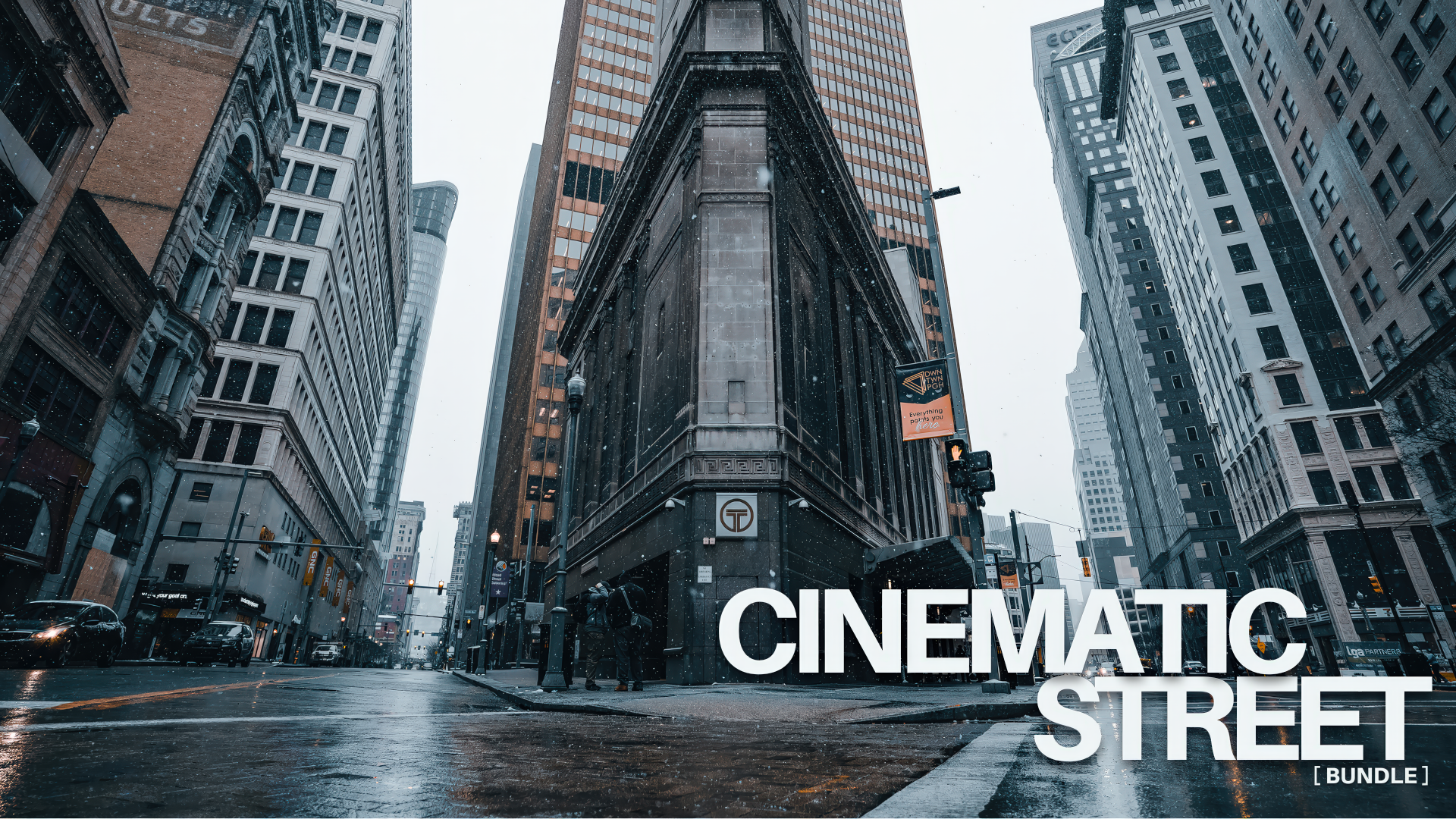
Cinematic. Dark. Film-Inspired. One Preset Kit, One Consistent Look.
This is not a generic filter pack. Cold Tones is a professional-grade Lightroom preset kit built specifically for street photography, urban scenes, and dark cinematic edits. It is the exact look used in real commercial work. Gritty. Cold. Intentional.
If you have been chasing a consistent moody edit and never quite landing it, this is what you have been missing. If you have outgrown VSCO filters and want something that actually looks professional, Cold Tones is the upgrade.
Made by Ian Jones, Pittsburgh commercial photographer.
No code needed
This price will not last.
Get the Cold Tones Kit — $39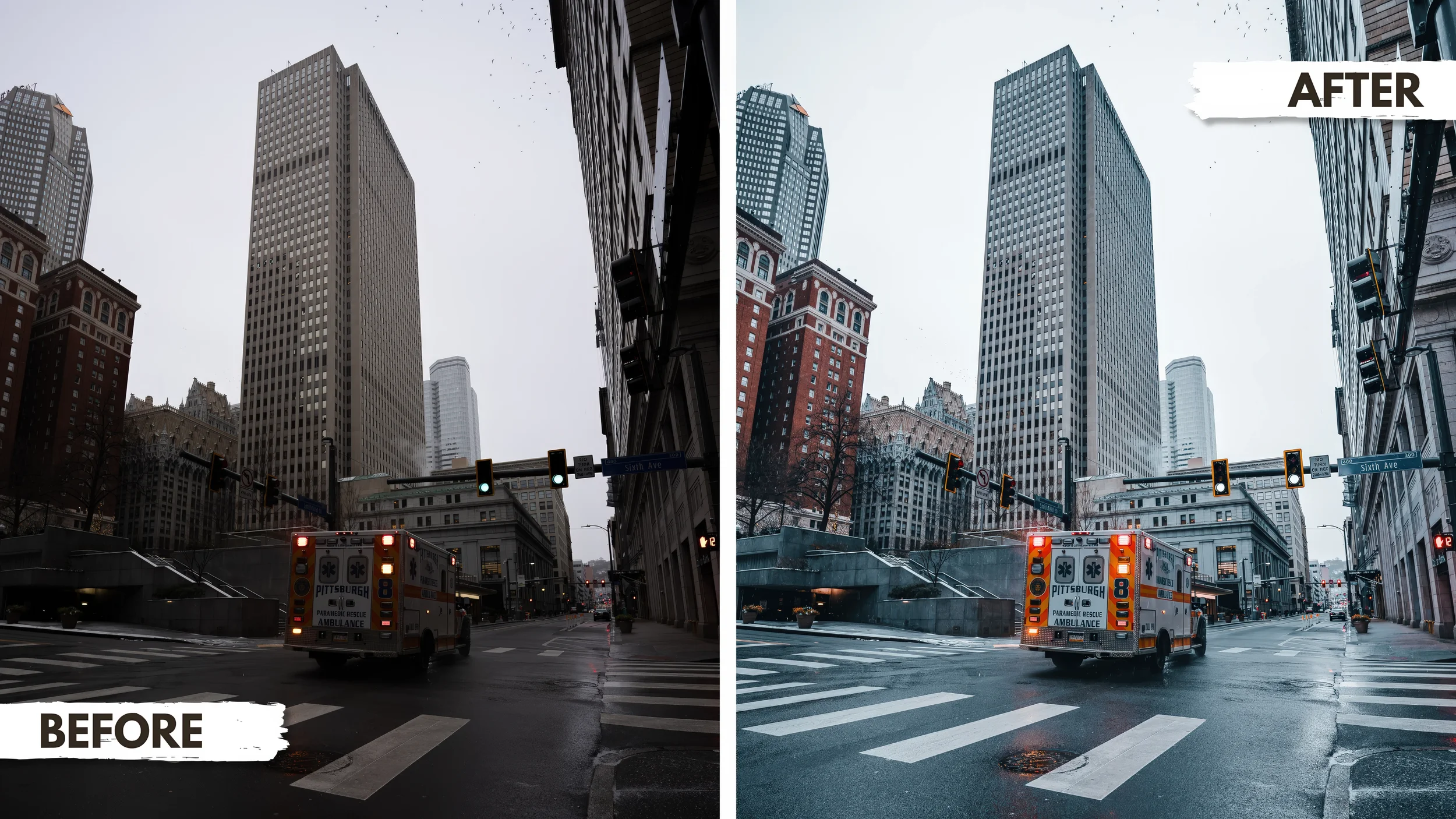
RAW file to cinematic edit in one click. This is what Cold Tones does to your street photography.
Everything You Need to Create
Moody, Cinematic Images Fast
This kit was built to give you a complete editing workflow in one download. Two professional presets and 62 high-resolution overlays across four categories — all in one cohesive bundle. Whether you shoot on Lightroom Classic or Lightroom CC, this preset drops in clean and works immediately.
The foundation of the entire kit. Crisp shadows, cool desaturated hues, and a cinematic film-inspired finish that works across street photography, urban portraits, winter scenes, and night shots. Apply it in one click and spend your time on the story, not the sliders. This is what professional cinematic Lightroom presets actually look like.
Lightroom Classic · Lightroom CCA second professional Lightroom preset included as a bonus. A completely different look and mood from Cold Tones — giving you a second creative direction straight out of the download. Install it the same way and start experimenting immediately.
Lightroom Classic · Lightroom CCThirty high-resolution falling snow overlays at varying intensities, particle sizes, and densities — from a light dusting to a full blizzard. Drag into Photoshop, set the blending mode to Screen, and the black background disappears leaving only the snow over your image. Adjust opacity to taste.
Photoshop · High ResolutionNine atmospheric fog and mist overlays for adding depth, mystery, and cinematic haze to any scene. Works beautifully on city streets, alleyways, and any shot that benefits from atmospheric depth. Set to Screen in Photoshop and position low in the frame for the most realistic look.
Photoshop · High ResolutionTwenty cinematic light overlays including light leaks, lens flares, bokeh effects, and atmospheric light streaks. These add warmth, depth, and the organic imperfection that makes digital images feel more like film. Set to Screen in Photoshop and adjust opacity for a natural integration.
Photoshop · High ResolutionThree dramatic red light overlays inspired by neon-soaked street photography and darkroom aesthetics. Powerful at any opacity — subtle for a moody color cast or pushed hard for a full cinematic neon effect. Set to Screen in Photoshop. Best on night scenes and dark urban shots.
Photoshop · High Resolution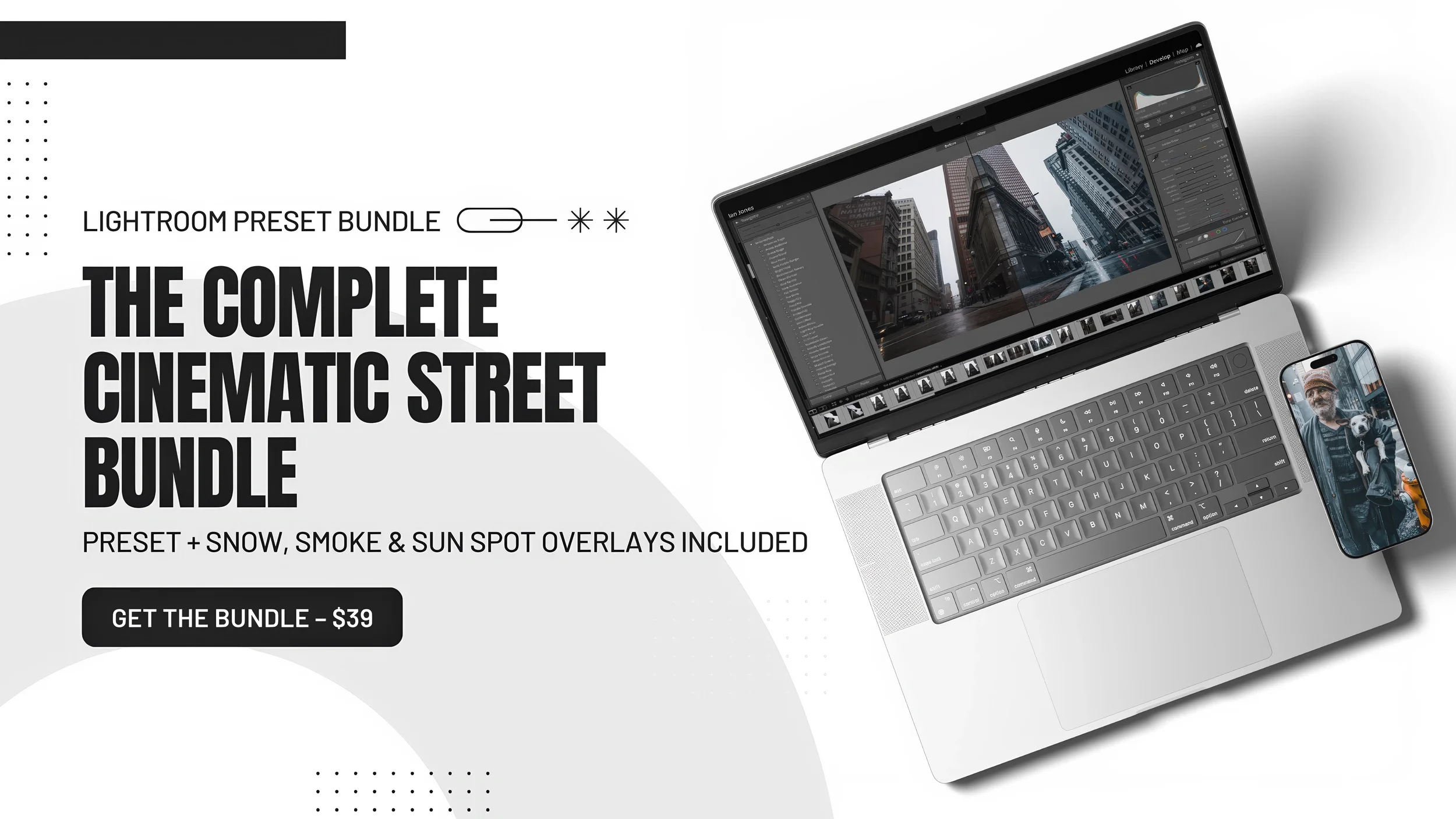
This Kit Was
Made For You If...
- You shoot street photography, urban landscapes, or portraits and want a consistent dark moody look
- You shoot with Lightroom Classic or Lightroom CC and finish in Photoshop
- You are tired of spending an hour editing one photo
- You want cinematic film presets without the $100 price tag
- You want your images to stop people mid-scroll
- You have outgrown free presets and want something built by a working professional photographer
What Would This Cost
You Otherwise?
Two professional Lightroom presets. Sixty-two high-resolution overlays across four categories. Comparable overlay packs alone sell for $20 to $40 each. You are getting the complete bundle for $39.
Up and Running in
Under 5 Minutes
Installing the Lightroom Presets
- 1Open Lightroom Classic or Lightroom CC
- 2Go to Edit → Preferences → Presets
- 3Click Show Lightroom Presets Folder
- 4Open the Lightroom folder, then Develop Presets
- 5Drop both preset files into the folder
- 6Restart Lightroom and start editing
Using the PNG Overlays in Photoshop
- 1Finish your edit in Lightroom and export
- 2Open your image in Photoshop
- 3Drag your chosen overlay PNG onto the image
- 4Resize and position using Free Transform
- 5Set blending mode to Screen — this removes the black background and reveals only the effect
- 6Adjust opacity to taste and export
Real Tools.
Real Results.
Cold Tones was not made to sit in a marketplace next to a thousand other generic packs. It was built out of years of shooting real streets, real cities, and real conditions. Every element in this kit has been used in professional commercial work.
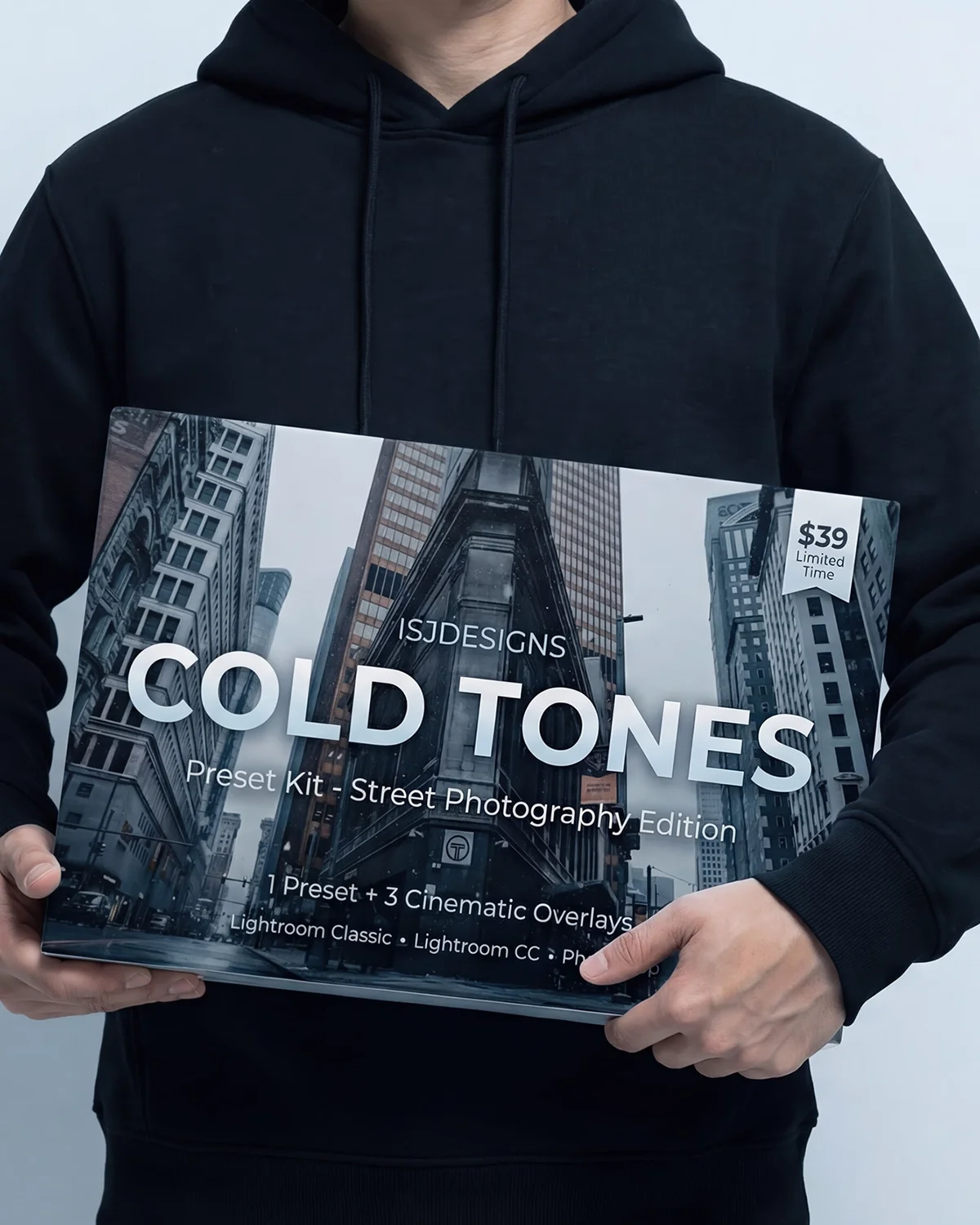
The cinematic film preset look you see in the preview images is not a one-off edit. It is repeatable, consistent, and yours the moment you download it. What you download is what actually gets used.
This is a limited time price. When it goes up, it goes up.
Get Instant Access — $39Get Instant Access for $39
Download immediately after purchase. Compatible with Lightroom Classic, Lightroom CC, and Photoshop.
Get the Cold Tones Bundle — $39