The Best Moody Lightroom Presets for Street Photography (2026)
Most "best preset" lists are affiliate soup. This isn't one.
I've shot Pittsburgh streets for over a decade — commercial work, personal projects, client campaigns. I've tested dozens of moody preset packs, burned through the ones that didn't hold up, and eventually built my own because nothing else gave me the exact cold, cinematic look I wanted out of the box.
This is a breakdown of what actually works for moody street photography in 2026, led by the preset I use on my own paid work, followed by honest notes on what else is out there.
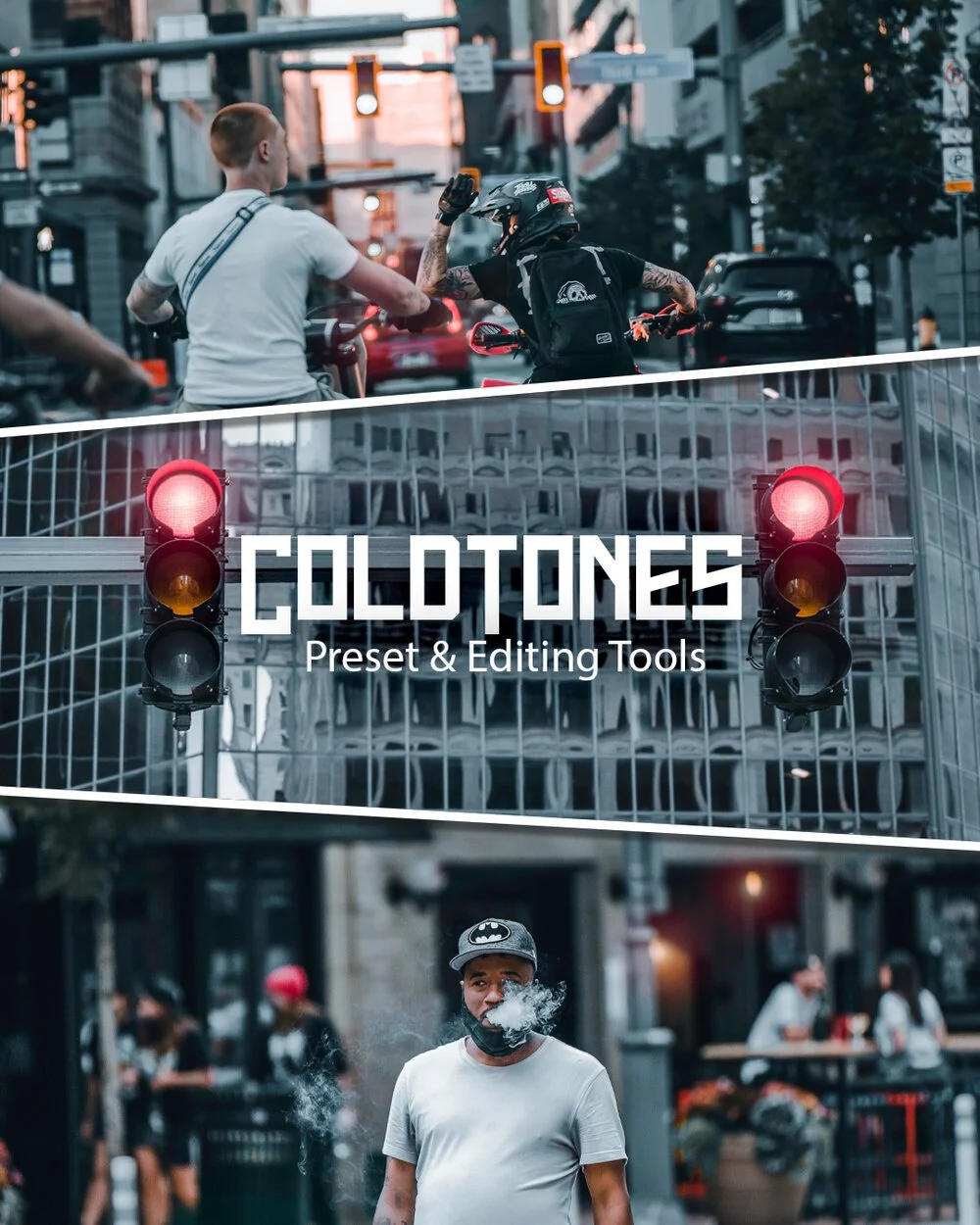
I'll get to the comparison. If you already know you want the cold, cinematic look I use on client work, here it is: Cold Tones, one click, Lightroom and Lightroom Mobile.
→ GRAB COLD TONES — $39 One-click preset + snow, smoke, and sun overlays. Lightroom + Lightroom Mobile. Instant download.
What "moody" actually means in 2026
Moody isn't a filter. It's a decision.
Deep shadows. Crushed blacks. Desaturated midtones. Cool temperature shifts. Restrained contrast. The opposite of HDR. The opposite of Instagram-bright.
Done right, moody adds atmosphere without making your work look dated six months from now. Done wrong, every photo looks like it was shot inside a wet garbage bag.
The difference is in the base — a preset that respects skin tones and leaves you room to tweak exposure and white balance per frame.
That base is the whole game. Cold Tones is the one I built so I could stop rebuilding it by hand on every shoot.
The preset I actually use: Cold Tones
This is the same edit, one click. No sliders to learn first.
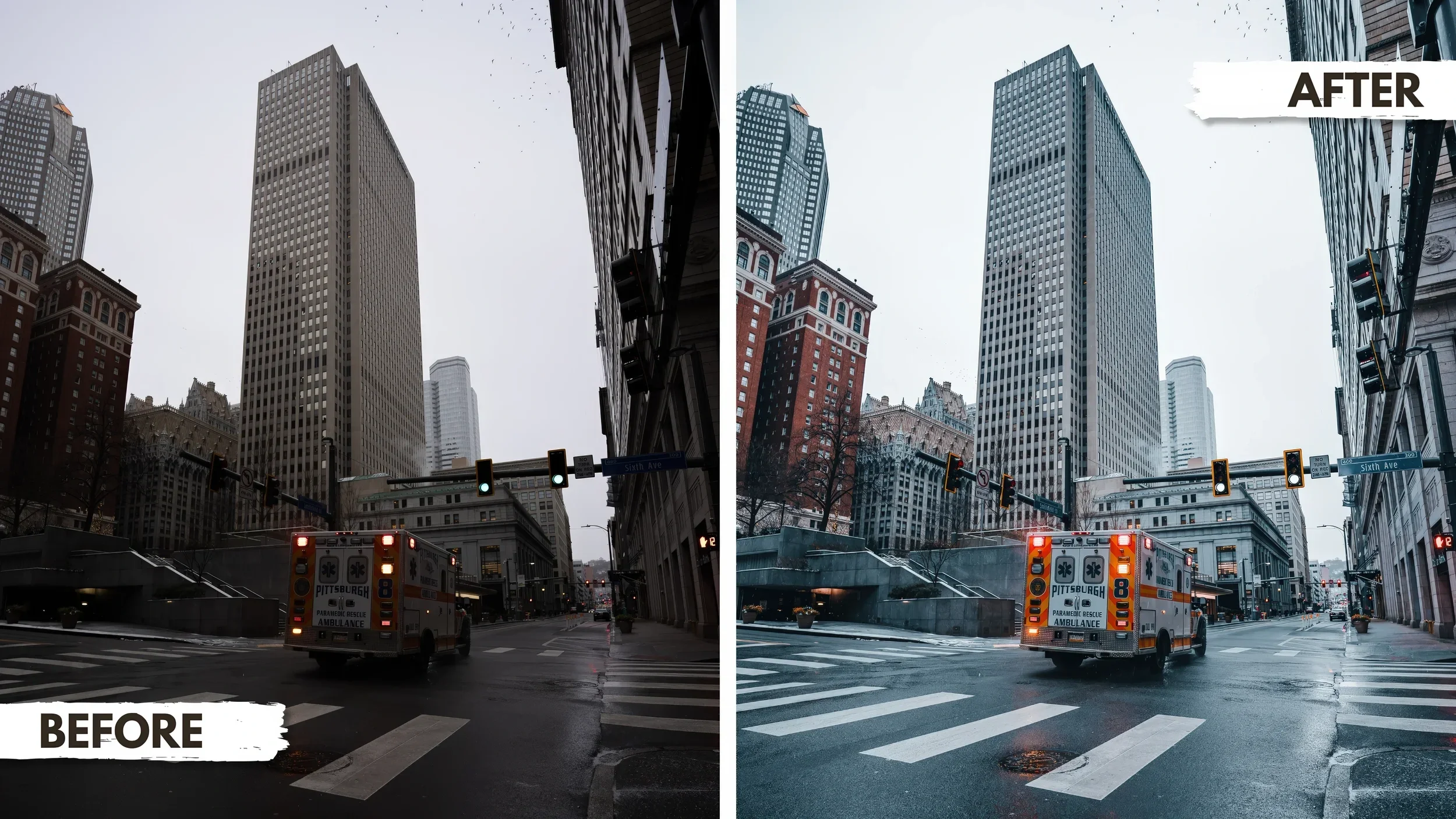
I built Cold Tones because I kept pushing the same slider combinations on every street shoot — deep shadows, cool cast, desaturated mids, careful skin protection. Eventually it made more sense to bake it into a preset and stop rebuilding the wheel.
Now it's the base I use on personal street sessions and a lot of commercial work.
What's in the Cold Tones kit
One-click Cold Tones preset for Lightroom Classic and Lightroom Mobile
Falling snow PNG overlay
Smoke PNG overlay
Sun spot overlay
Works on RAW + JPEG — DSLR, mirrorless, and iPhone
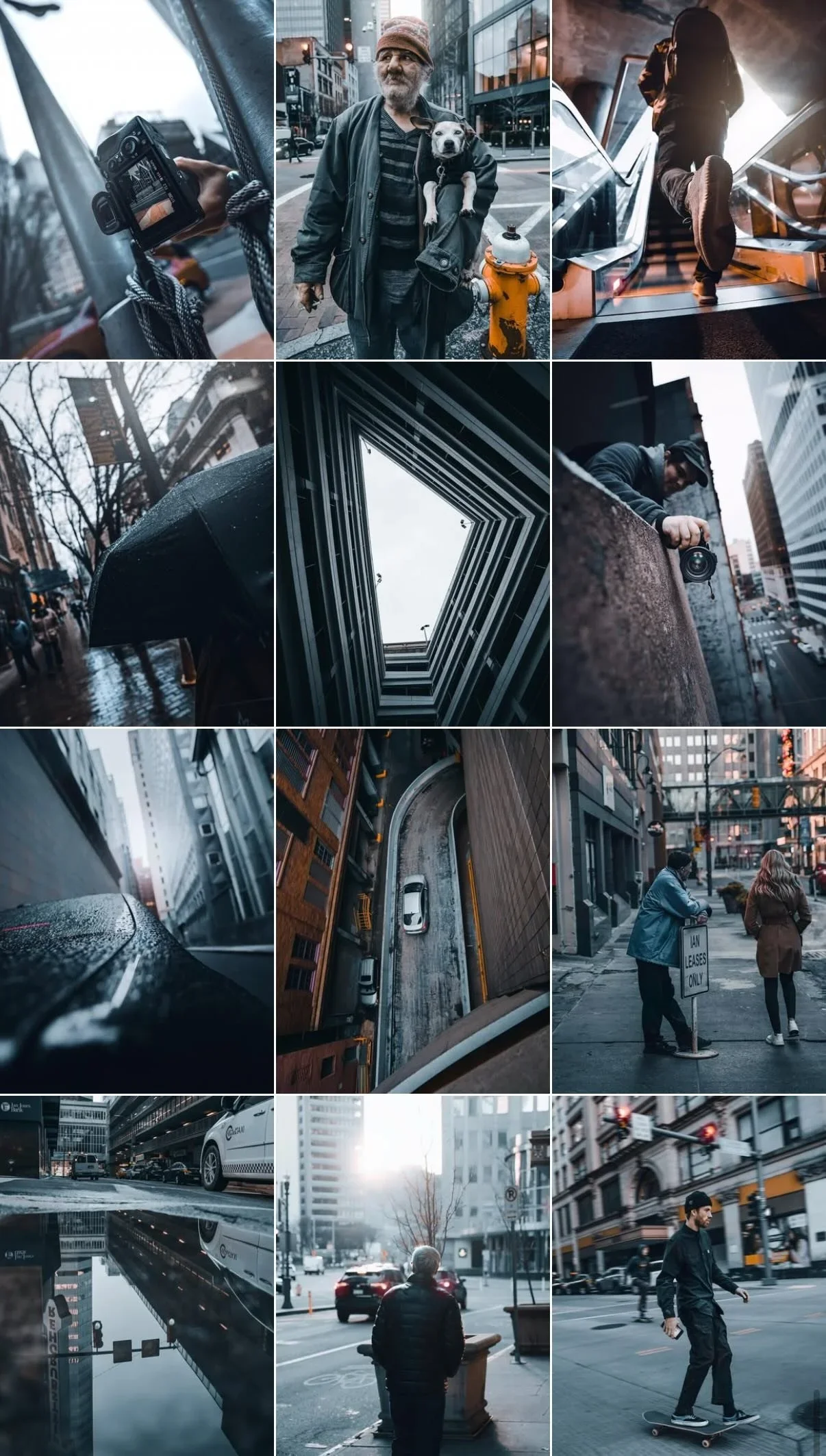
Best for city, night, winter, and overcast scenes
Overcast Pittsburgh / NYC / Chicago-type urban days
Early morning and blue hour
Winter scenes and wet streets
Low-contrast light where the edit has to do the drama
It's not the right preset for:
Golden-hour beach work
Bright tropical scenes
Anything warm and soft
Use the right tool for the job.
How to make any moody preset work
A preset is a starting point, not a finish line. Even mine needs these moves on most frames:
Shoot RAW. You can't recover what you didn't capture.
Set white balance first. The preset's cast assumes a reasonable starting temp.
Tweak shadows per shot. High-dynamic-range scenes need shadows pulled up. Flat overcast scenes need them crushed harder.
Add overlays sparingly. One snow layer, one light leak — never all of them.
Kill the vignette on portraits. Most moody presets over-vignette faces. Turn it down or off.
If you're editing on your phone, do all of this in Lightroom Mobile before exporting. Free IG filters flatten the file.
What else is out there
Full honesty — I've tested a lot of packs. Names you'll see floating around: Dark Streets, Nomad Tones, Grit & Grain, Neon Noir. Some are decent. None of them do exactly what Cold Tones does, which is why I built my own.
If you've already bought another pack and it gets you 80% of the way there, don't buy mine. If you want the specific cold, cinematic look I use on paid client work, Cold Tones is the only place to get it.
Who this is for
Buy Cold Tones if you:
Shoot urban, street, or documentary work and want a cold cinematic base
Edit in Lightroom Classic or Lightroom Mobile
Want consistency across a feed, portfolio, or client gallery
Are tired of building the same edit from scratch on every shoot
Skip it if you:
Mainly shoot warm, bright, golden-hour work
Want bulk variety over a signature look
Are looking for free presets
If you want a darker, colder, more cinematic starting point and you would rather not learn color grading from scratch yet, this is the shortcut. It is a strong base, not a magic button.
FAQ
Does it work on Lightroom Mobile? Yes. Installs on both Lightroom Classic (desktop) and Lightroom Mobile. Works on iPhone and Android.
Do I need a paid Lightroom subscription? No. The free Lightroom Mobile app works for applying the preset. Lightroom Classic requires Adobe's subscription.
Can I use it on client work? Yes. Personal and commercial use are included. Redistribution of the preset file itself is not allowed.
What file format is the preset? .xmp for Lightroom Classic, .dng for Lightroom Mobile. Both are included.
How do I install it? Full install instructions are included in the download.
Refund policy? 30-day no-questions refund.
→ GET COLD TONES — $39 — INSTANT DOWNLOAD
Built and used by a Pittsburgh commercial photographer with 10+ years of client work.
Instant download. Get the cold, moody look without starting from zero.